Build your composition
Start with shapes, add your words, and bring in images. Arrange layers, crop, and style every detail.
Social posts, stories, and your next idea
Choose a ready-made pair. Add your words and photos, edit each layout, and export. Free, with no account needed.
Open editor to resume work in this browser.
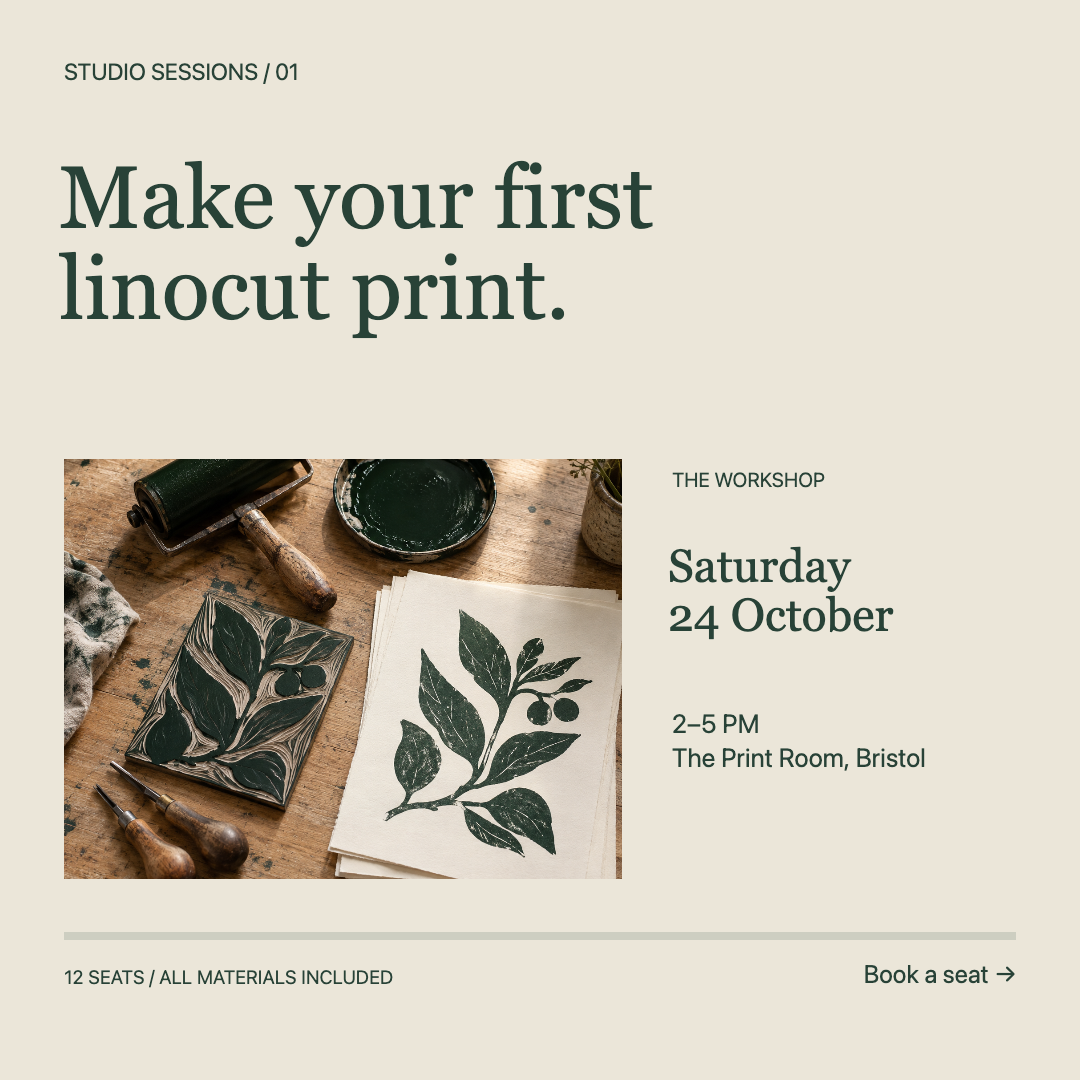
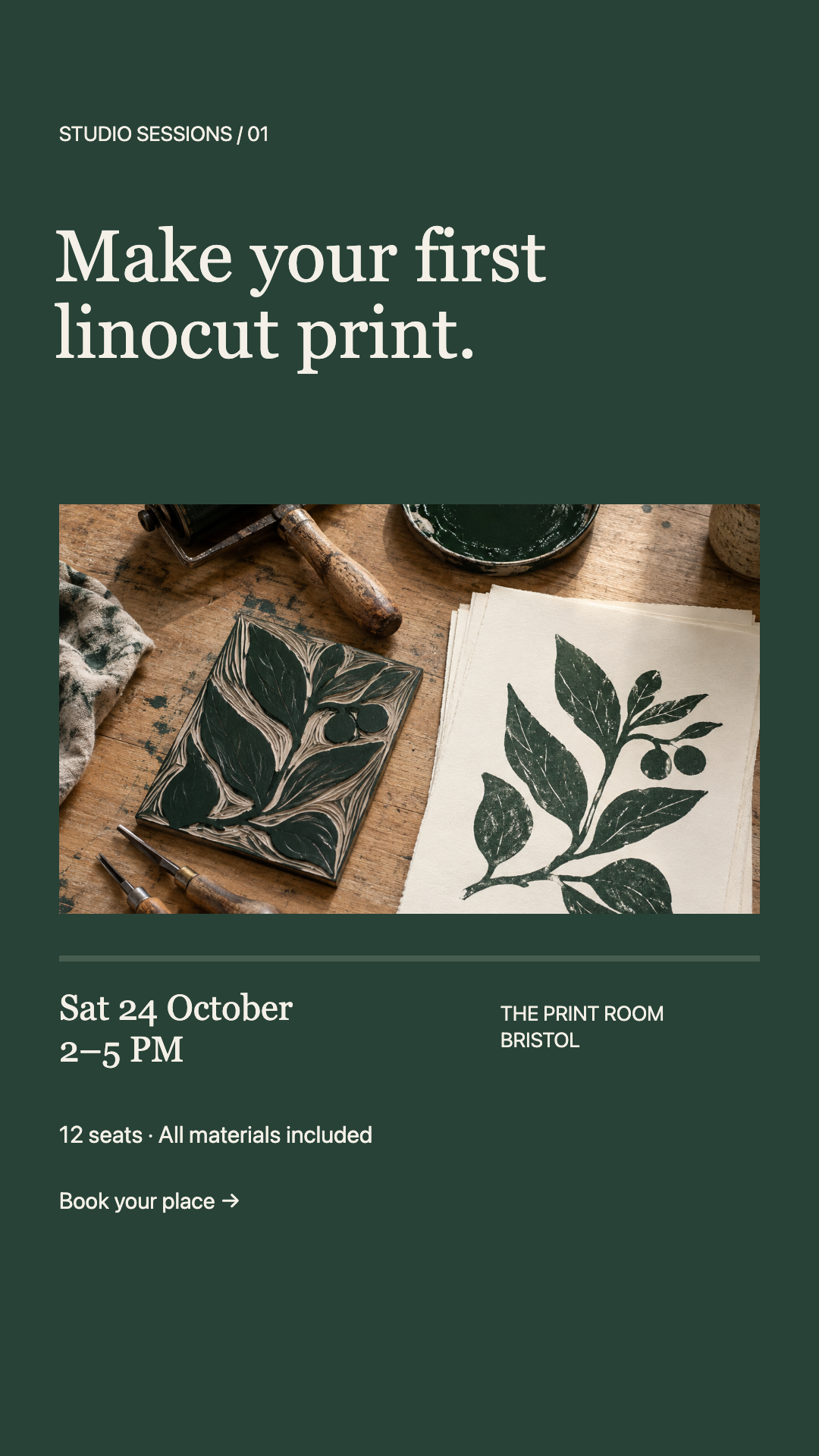
Two layouts in one project. Edit each artboard independently; changes to the post do not update the story.
Use the Studio Sessions template →Make the layout your own
We turned Studio Sessions into a ceramics workshop announcement. Here is the same project, edited and exported in Artboar.
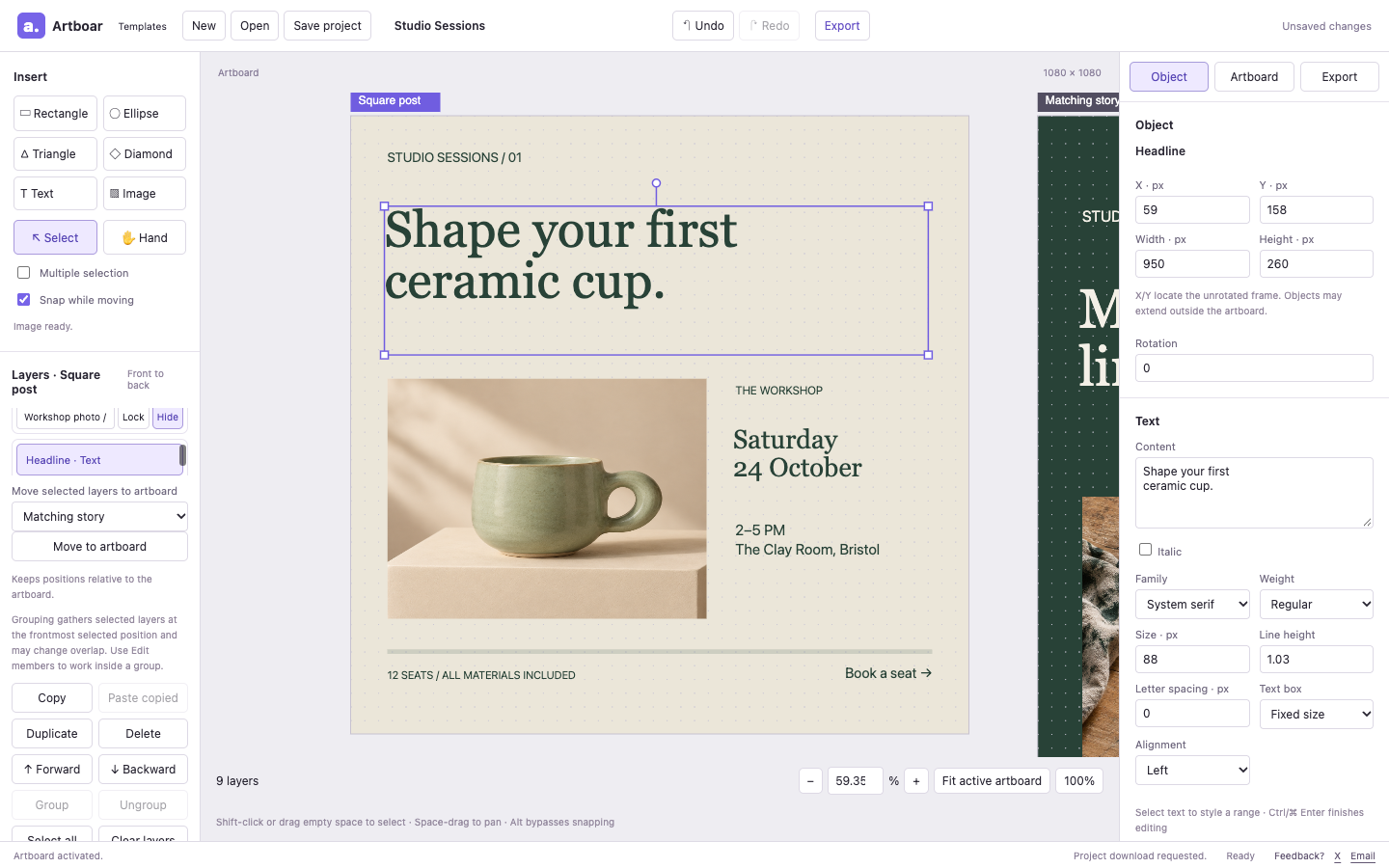
Start with the post and story shown above. Keep or save any local draft before replacing it.
Select Headline in Layers and edit Content in Object. Select the workshop photo and choose Replace image.
Switch to Matching story. Repeat your edits there; changes to the post do not update the story.
Choose PNG in Export, download the active artboard, then switch boards and repeat. Save project keeps both layouts editable.
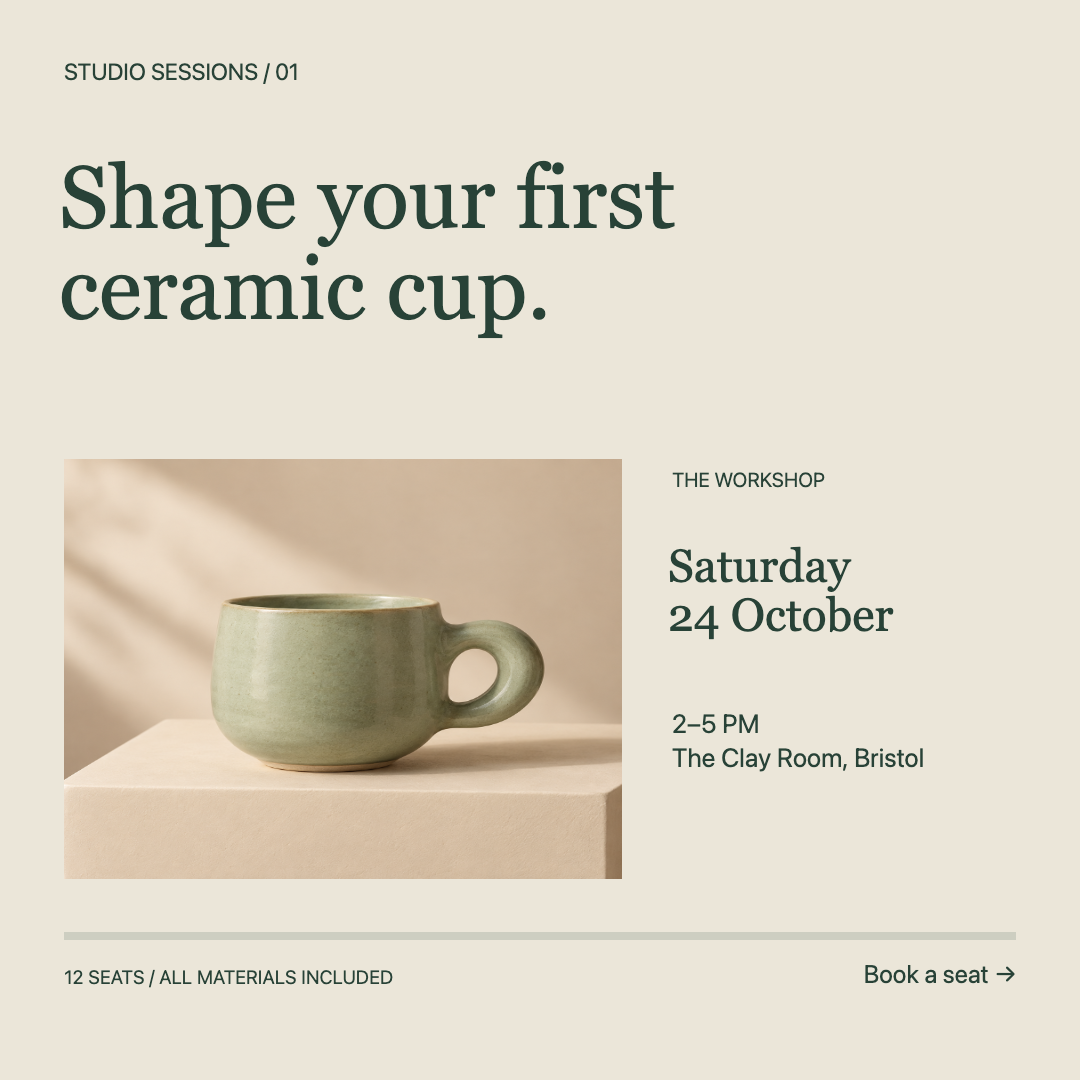
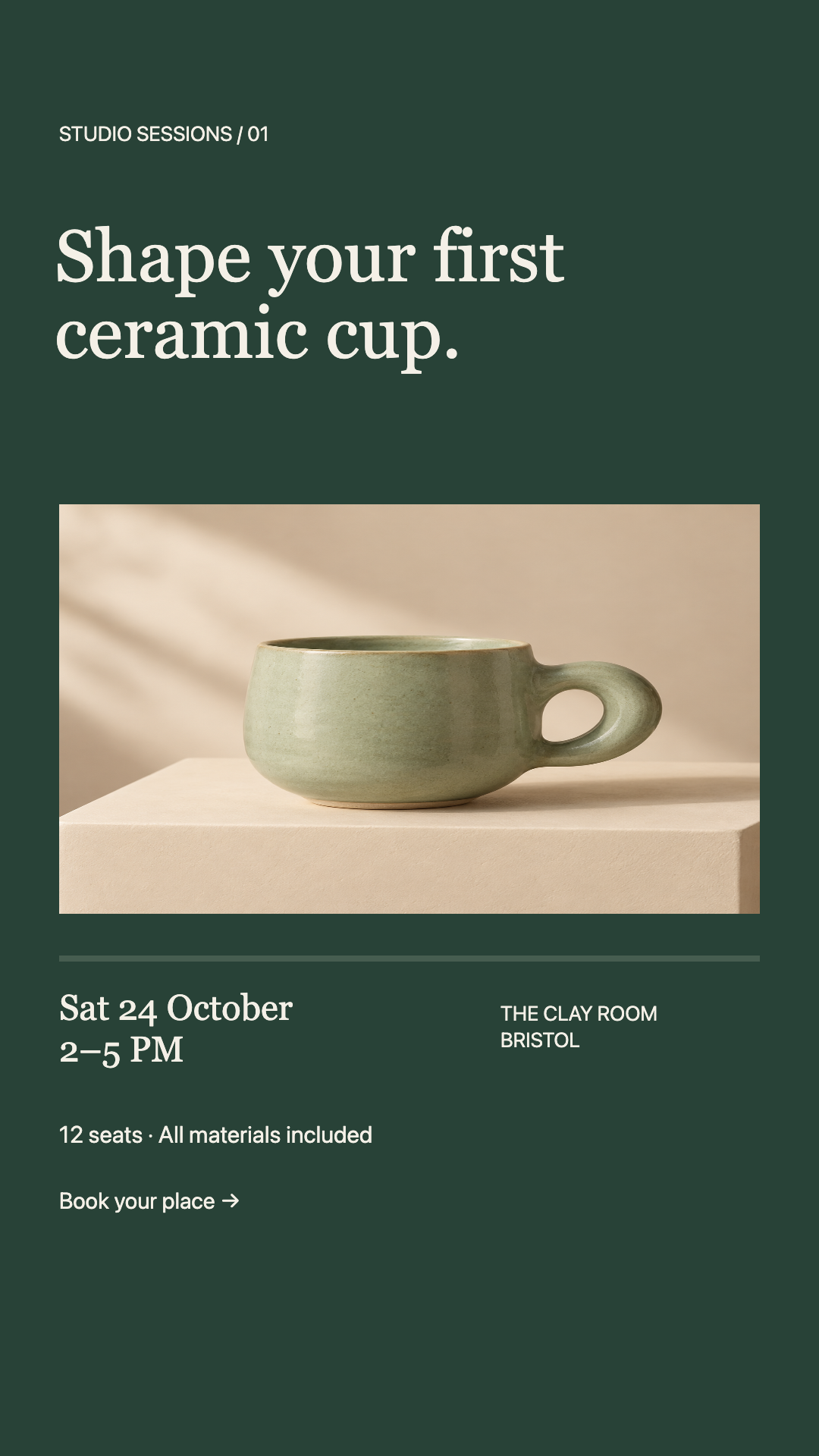
Fictional workshop and original AI-generated sample photos. This demonstrates the editing workflow; replace sample details and imagery with your own before sharing.
From first shape to final file
Make a social post, a presentation graphic, or something entirely your own. Present your app with iPhone Duo App Store screenshot templates for the outer and inner displays.
Start with shapes, add your words, and bring in images. Arrange layers, crop, and style every detail.
Keep multiple artboards in one project. Try a new layout or make different sizes, side by side.
Export your artboard as PNG or WebP. Download an editable project file and come back to the details later.
Product notes and practical choices
See what is new, keep an editable backup, and choose a tool that fits how you work.
iPhone Duo screenshot templates →
Keep the project, share the image →
Follow a real edit, adapt each artboard, and check your exported image.
A few practical answers
Artboar is currently free to use, with no signup or account required. Open the editor and start creating.
Add PNG, JPEG, or WebP images, up to 10 MiB each. Export the active artboard as PNG or WebP at 1× or 2×, within the size limits shown in the editor. Switch artboards and export each one separately. Use Save project to download an editable .design.json project; an image export does not save your editable work.
Local recovery keeps one draft in the same browser on the same device, when browser storage is available. Clearing site data can remove it. Use Save project to download a project backup, then use Open on another device to continue. Local recovery is not cloud backup; check the save status and keep downloaded copies.
Shapes and images travel with your project. Artboar includes Inter, Lora, and JetBrains Mono fonts. Older projects and the current templates can also use system Sans, Serif, or Monospace fonts; those can look and wrap differently between computers. Choose a bundled font when you want the same font available on another device, and check text wrapping before exporting. Resizing an artboard preserves object positions and sizes; adapt each layout yourself.
Artboar uses Loomlytics for website usage analytics. When you open a bundled template, we measure opening, the first committed edit, and requested image exports. Our custom event properties contain only its catalog identifier and category; Loomlytics also adds website and session metadata. We do not send your artwork, words, document name, or image bytes in these events. Local recovery is separate from analytics; tracking follows the provider’s privacy controls. Read our privacy page for details.
Try the square post and story walkthrough. It covers opening the example, editing text and colors, switching artboards, exporting, and saving your project. In the editor, read the save and export status messages to confirm each operation.
Your artwork, close to home
Your artwork stays on your device. Local recovery helps you pick up where you left off in the same browser. Download a project file for a portable copy you can keep.
Browser storage can be cleared. A downloaded project is your backup.
Go on. Give that idea a canvas.