Product update / iPhone Duo
iPhone Duo screenshot templates are now in Artboar
Published
iPhone Duo screenshot templates are now available in Artboar. There are separate starting projects for the outer closed display and the inner open display, each with three coordinated, independently editable artboards.
Browse the iPhone Duo templates
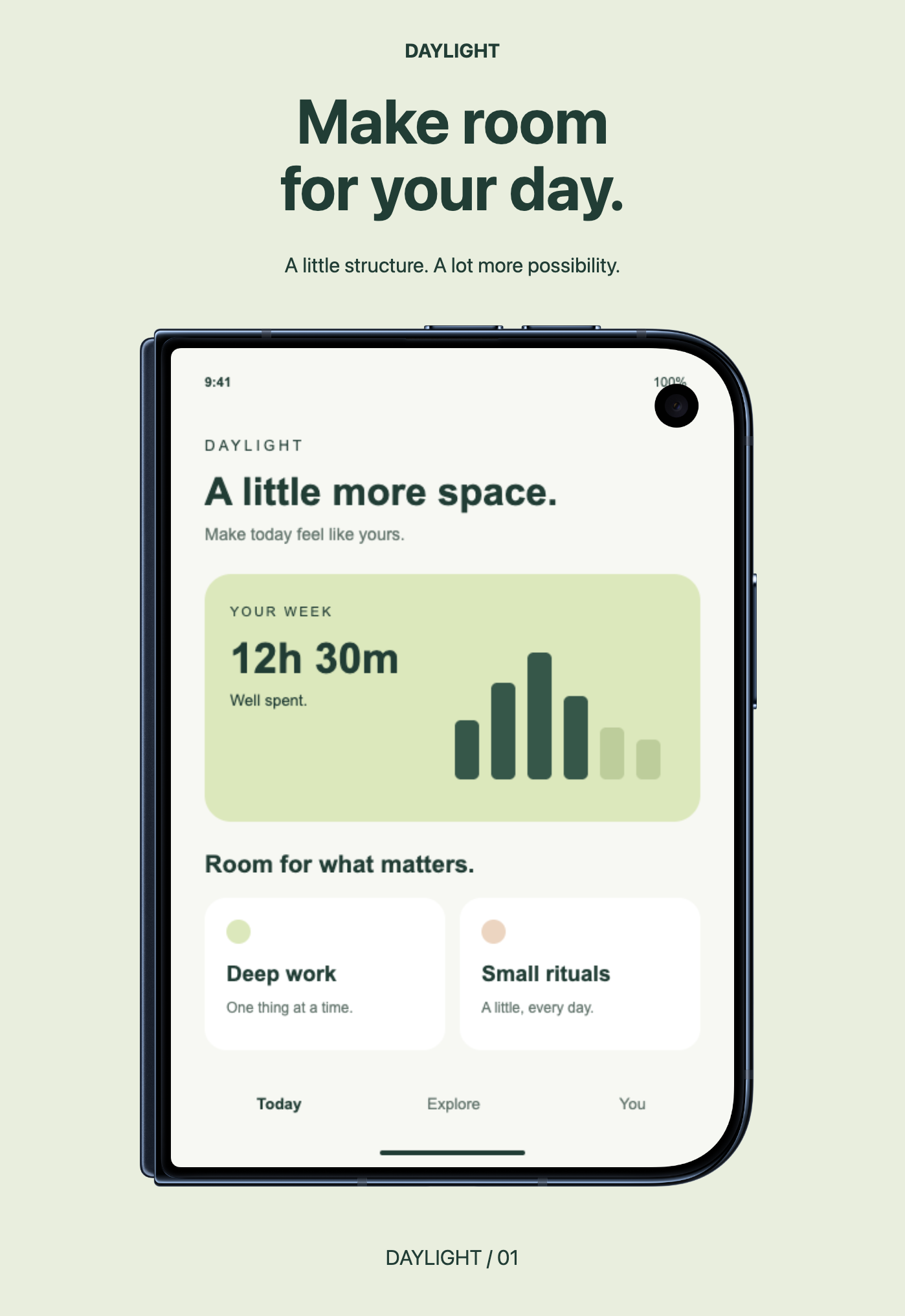
An actual exported preview. Daylight is a fictional sample app; replace its screen and copy with your own.
Two displays, two starting points
The outer set uses 1398 × 2034 portrait artboards; the inner set uses 2007 × 2853. The layouts have editable headlines and replaceable screenshot layers, with official Apple portrait artwork that loads automatically. Night Sky and Star White frame choices are available on each artboard. If automatic loading is unavailable, the setup panel offers local import of the matching original Apple PNG.
Artboar also includes the reversed landscape size presets, 2034 × 1398 for outer and 2853 × 2007 for inner. The ready-made layouts and frames are portrait only. Resizing an artboard does not rearrange its composition: build a landscape design separately.
Keep control of each screenshot
Open the set for the display you want to show, replace its fictional screenshot, and edit the headline. Switch artboards to make the other edits independently. You can export each board as PNG at 1× with an opaque background and save the entire editable project for later changes.
The Duo template page has the exact frame filenames, fallback import steps, and export checklist. Before submitting screenshots, check Apple’s current screenshot specifications for the sizes your app requires, and follow the license included with Apple Design Resources.
Open the outer-display template · Open the inner-display template
If this browser already has a draft, keep it or download a project backup before replacing it. A PNG export is useful for sharing, but it does not retain editable layers. Learn what to save alongside your exports.
Artwork is edited locally in the browser. Website analytics and the optional hosted MCP service have separate behavior described in Privacy. Artboar is not affiliated with Apple.