YouTube thumbnails / Readability
Make a YouTube thumbnail readable at a small size
A thumbnail can look clear at full resolution and become hard to read in a small feed. Check a small preview before publishing: the headline, subject, and contrast should still communicate your video's actual topic.
This walkthrough uses Worth the Upgrade?, a fictional headphone-review template with an AI-generated product photograph. The before and after images below are real Artboar PNG exports, displayed at a small width. They illustrate a design change, not a prediction of clicks or views.
1. Compare the message at a small size
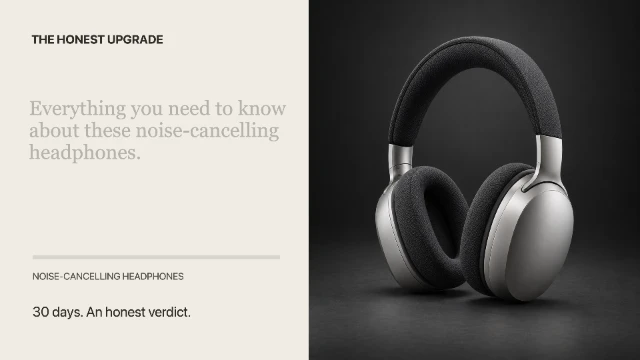
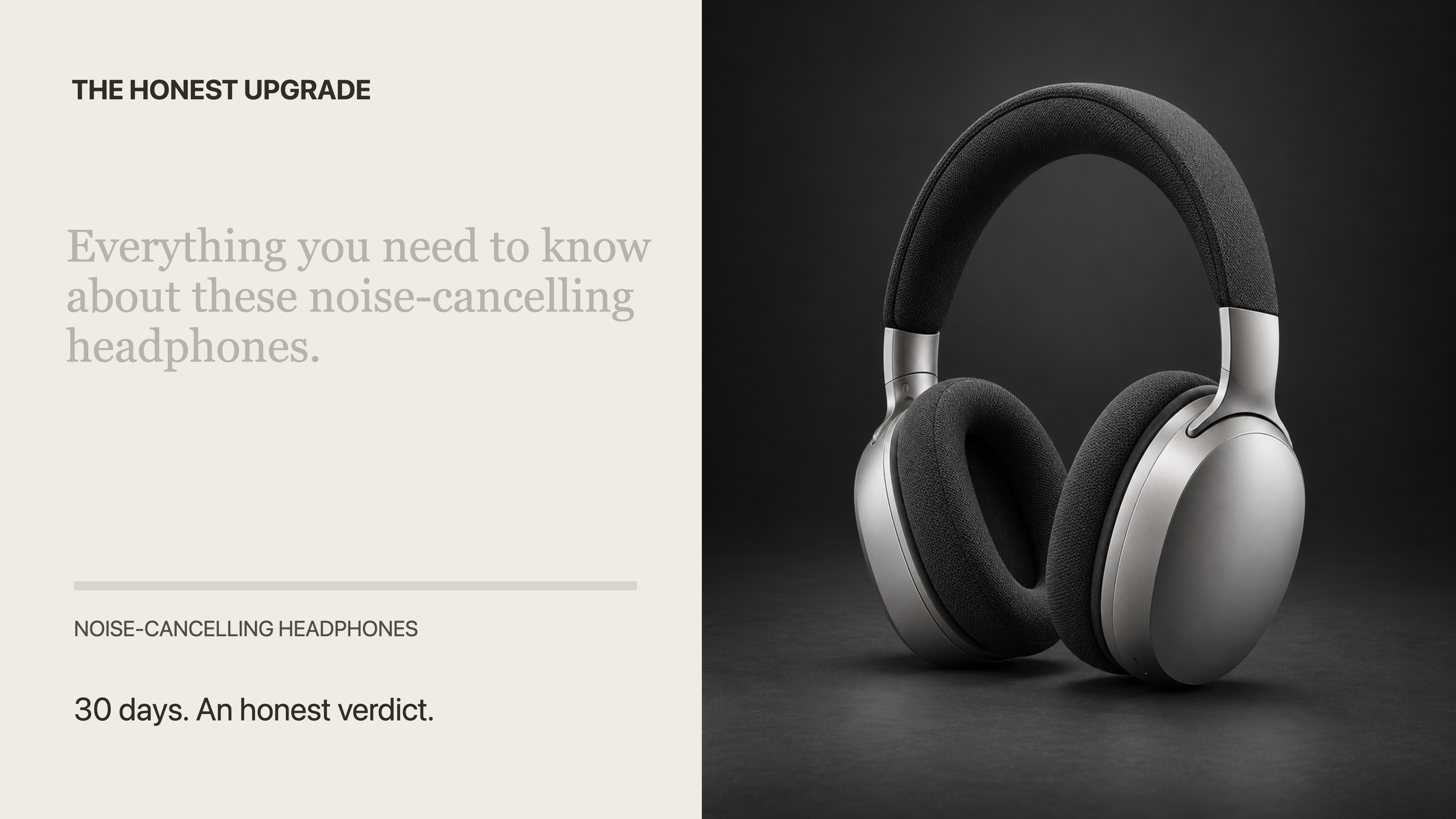
Before: a deliberately crowded, low-contrast demonstration variant, rather than the original template. “Everything you need to know about these noise-cancelling headphones.” competes with supporting copy; the loose photo crop leaves the subject smaller.
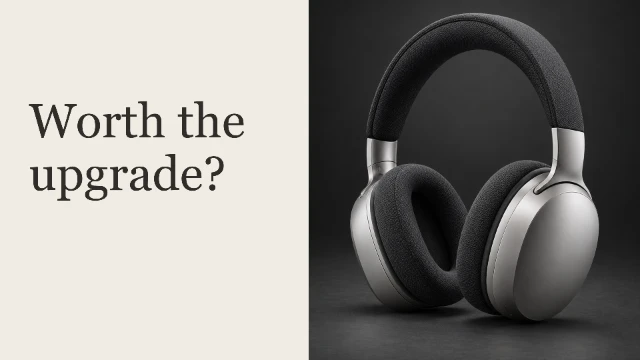
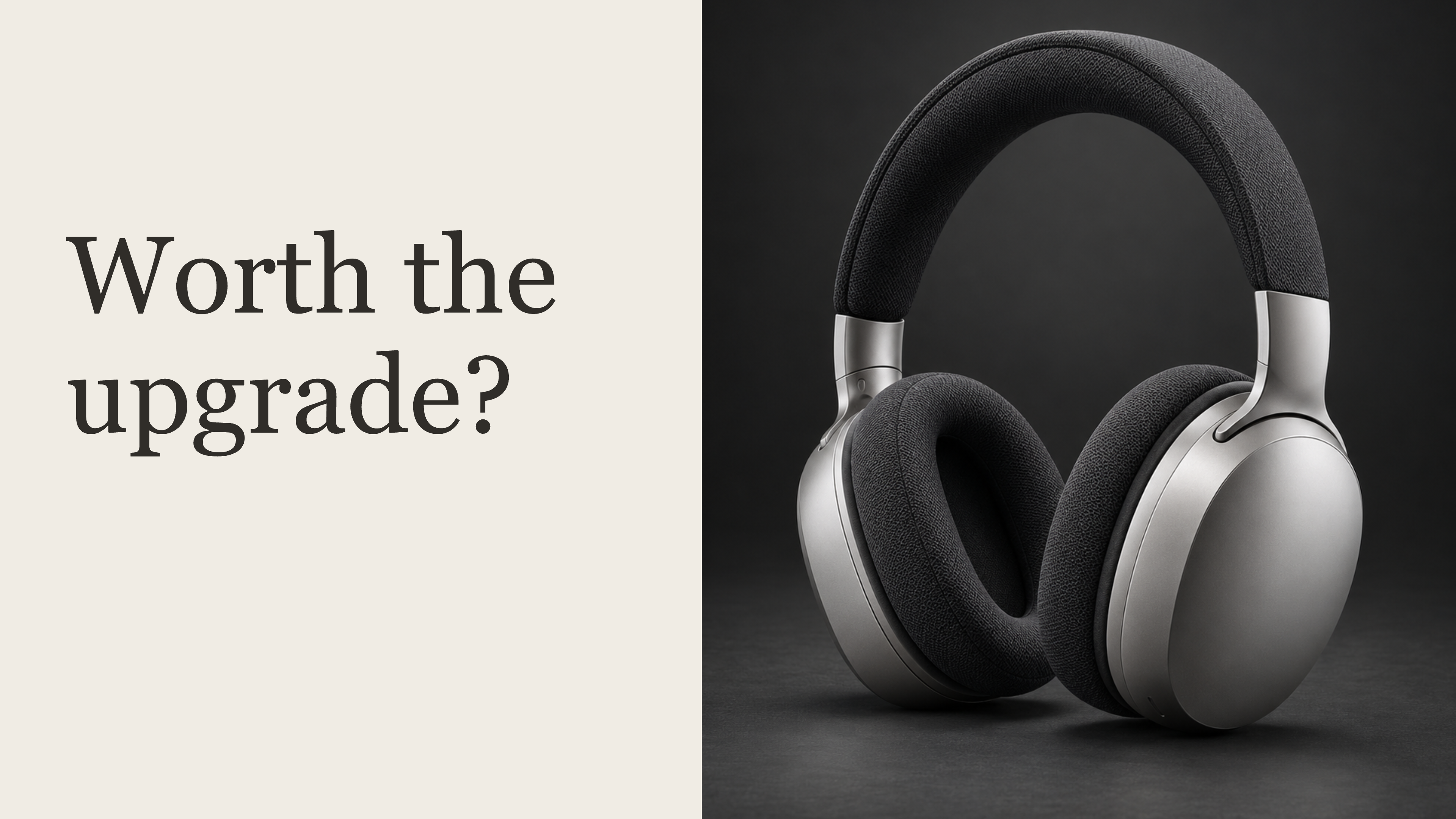
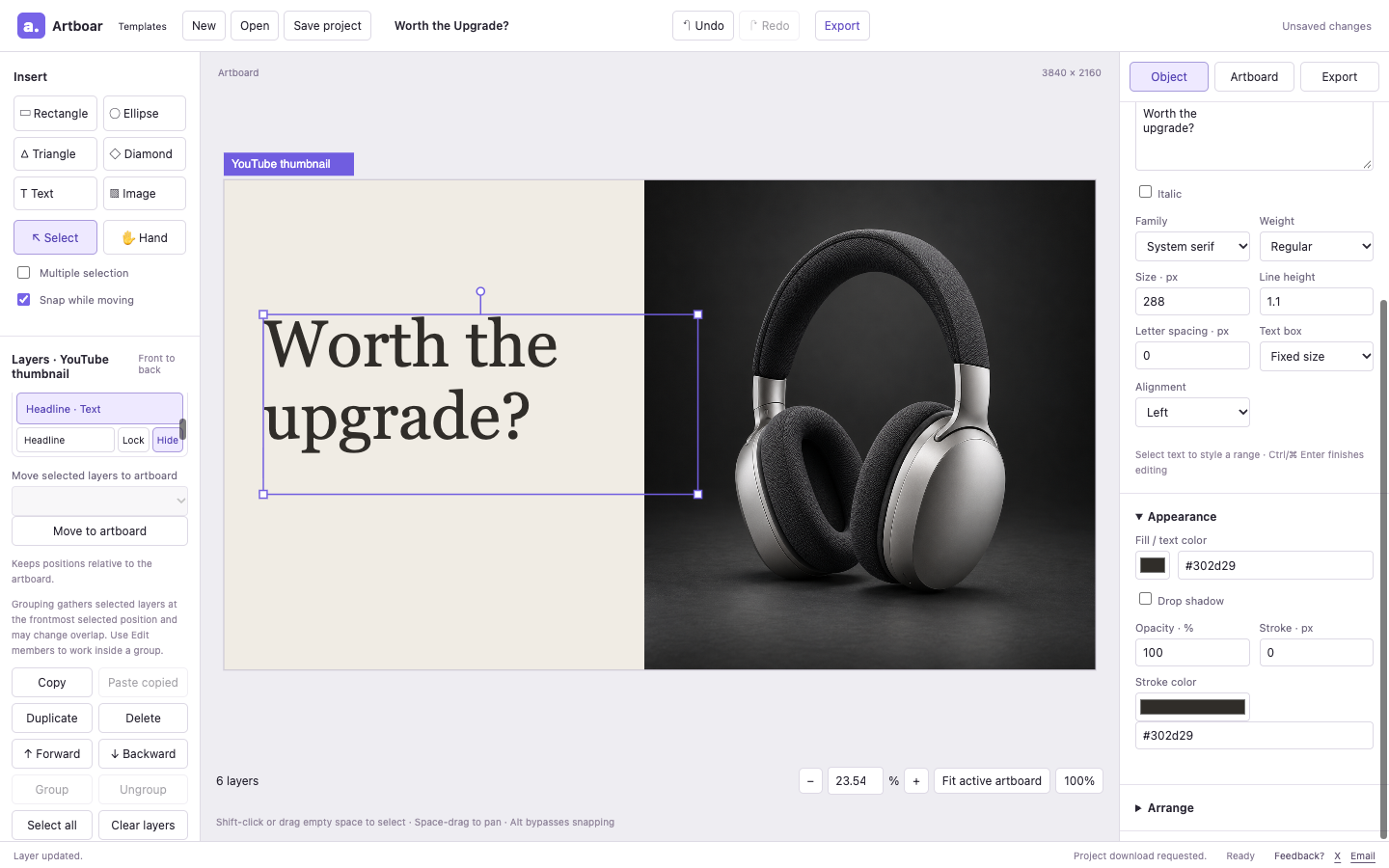
After: “Worth the upgrade?” in dark type on the existing light background, with a closer product crop. The promise matches a review that evaluates whether the product is a worthwhile upgrade.
These examples use lightweight 640 × 360 previews of the real exports, shown at up to 320 pixels wide. For the full-resolution check, open the before PNG export and after PNG export. Small previews are a practical review aid; the actual feed size varies by device and placement.
2. Shorten the headline to one useful question
Open the template, keeping or saving any existing local draft before replacing it. In Layers, select Headline, then edit Content in Object. Our after version uses “Worth the upgrade?”, with a line break between “Worth the” and “upgrade?”.
Keep wording specific to your video. A price question, a concrete comparison, or a tutorial outcome may work better for your topic. Remove supporting words that merely repeat the title. Check the frame for clipping, then finish editing with Ctrl/⌘ Enter.
3. Make the headline contrast with its background
In Object → Appearance, choose a text color that stands clearly apart from the area behind it. Our demonstration changes the muted light-grey headline (#b6b3ad) to dark #302d29 against the template's existing light background (#f0ece4) and uses size 288 at the 3840 × 2160 artboard size.
Read it at a small size again. If the photo crosses behind your words, move the text to a calmer area or adjust the composition. A color change alone cannot fix a crowded layout.
To reproduce the simplified after example, use Hide in Layers for Series, Editorial rule, Review topic, and Review context. These supporting layers stay editable in the project and can be restored with Show; they are omitted from the export. Keep supporting information if it helps your video's message, and remove it when it competes with the main question.
4. Crop to the subject you discuss
Select Headphones / replace with the reviewed product, then choose Edit crop in Object. The after example brings the headphones closer by changing the source crop from the full photograph to a central region. Keep the product recognizable and leave space for the headline.
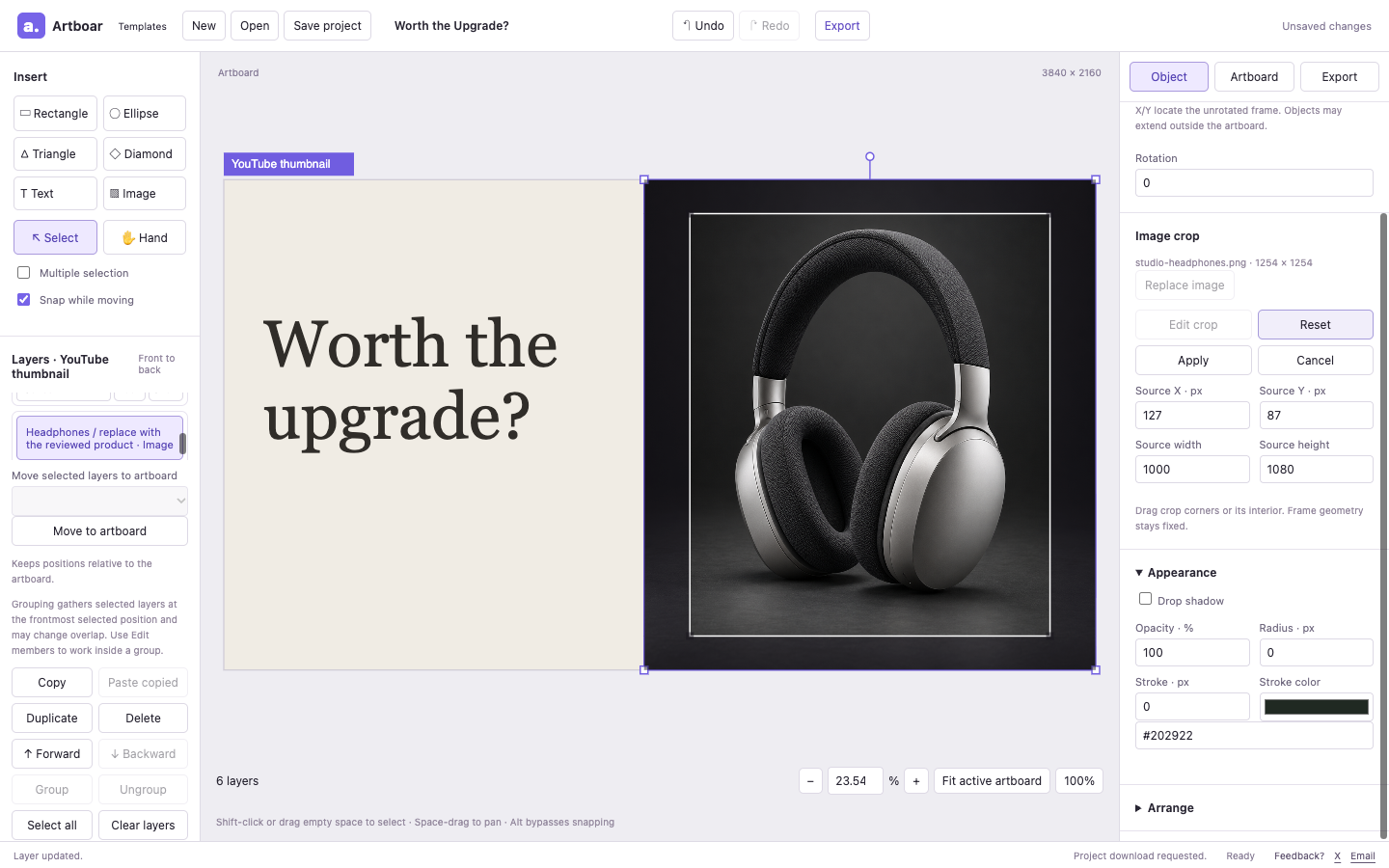
The photograph is a fictional bundled sample. Replace it with imagery you have permission to use and that represents the product in your video.
Choose Apply, then review the thumbnail again. Replace any series name or review details you choose to keep visible with truthful information. Avoid placing essential content in the lower right, where a duration badge may appear.
5. Export, inspect, and check the upload requirements
This template uses a 3840 × 2160, 16:9 artboard. Choose PNG at 1× in Export, then Export image. Artboar disables 2× at this size because it exceeds the editor's export pixel limit. Inspect the download at full resolution and at a small size; Save project keeps an editable copy separately.
YouTube's current thumbnail guidance recommends 3840 × 2160, 16:9, and image formats including PNG and JPG. For video thumbnails, it lists an upload limit of 2 MB on mobile and 50 MB on desktop. Guidance checked 2 October 2026; check the help page and your actual file size before uploading.
Artboar exports PNG or WebP, so use PNG for the documented YouTube formats. A detailed photo PNG may exceed the mobile limit even at 1×; choosing 1× does not guarantee a file under 2 MB. Use a file that fits your upload surface's requirements.
Use Worth the Upgrade? · Browse YouTube templates
For other formats, follow the post-and-story walkthrough or make a product launch with your own photo.