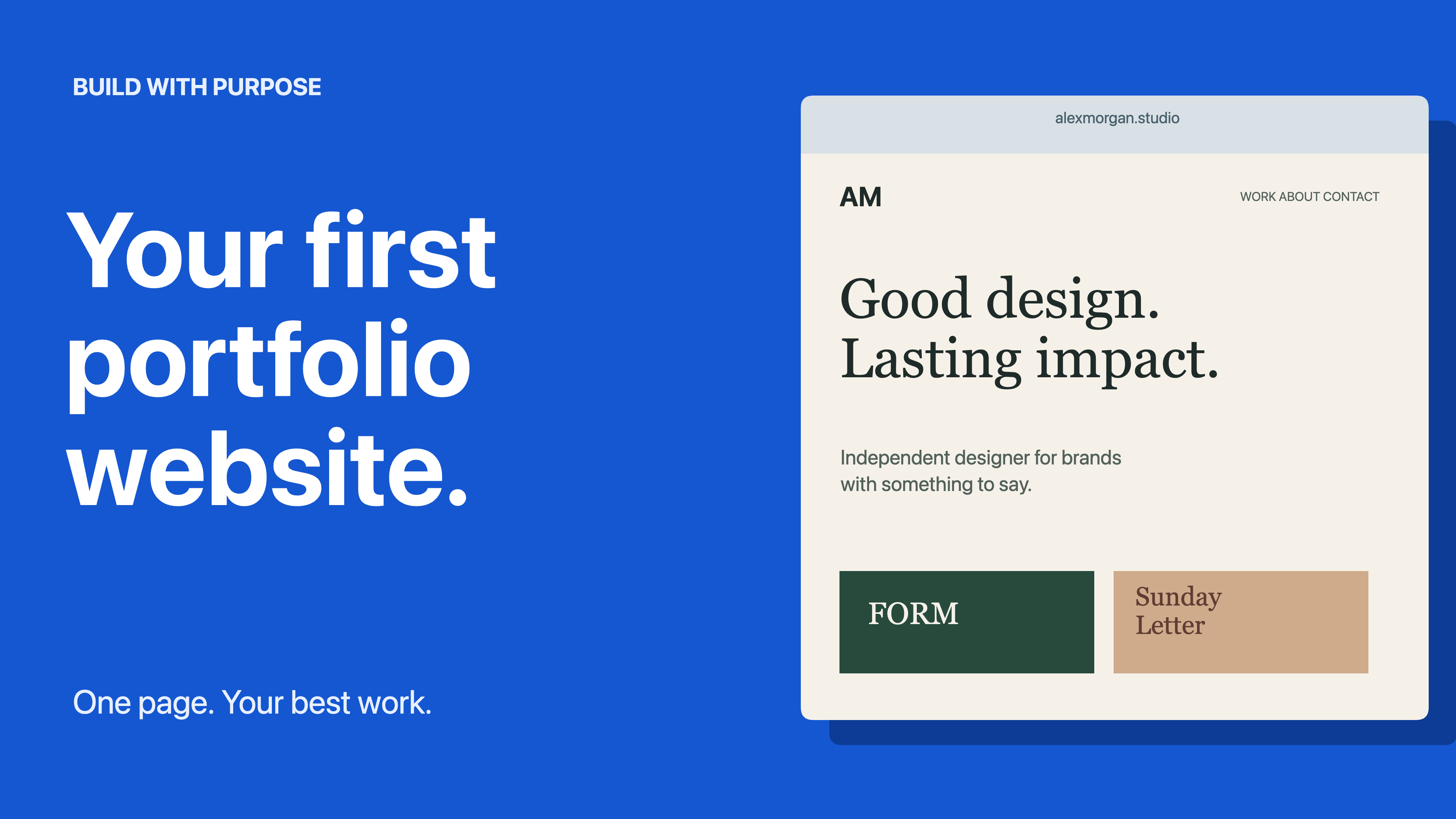
Your First Portfolio
A bold tutorial thumbnail with a detailed, fully editable portfolio website composition.
Use this templateDownload editable projectEditable starting points / No account needed
Make the next video easy to recognize. Editable 3840 × 2160 thumbnails for a tutorial, product review, and podcast. Use a clear headline and an image or illustration to communicate the video’s subject.
A bold tutorial thumbnail with a detailed, fully editable portfolio website composition.
Use this templateDownload editable project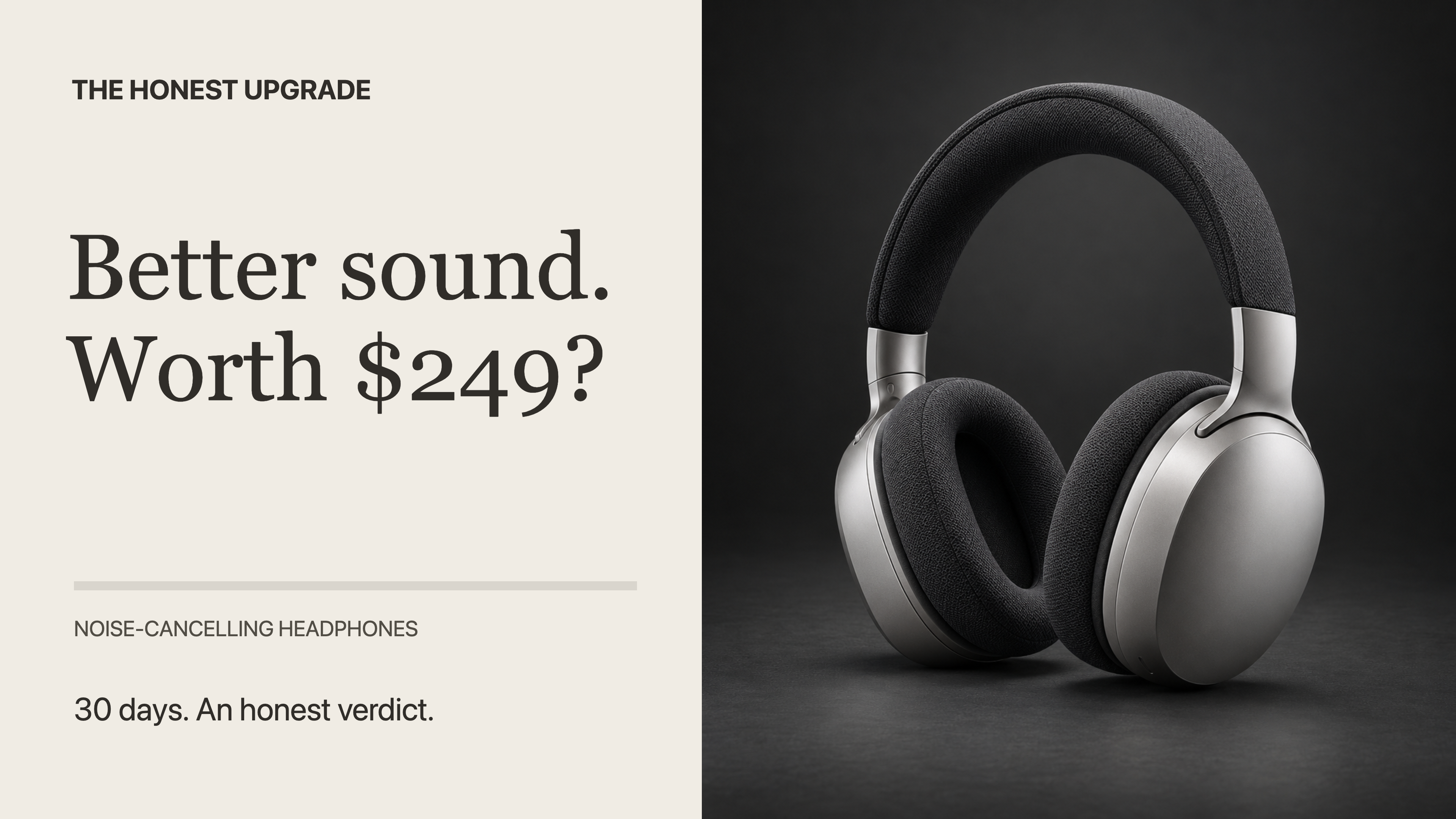
A headphone review with an original product photograph and a clear, specific buying question.
Use this templateDownload editable project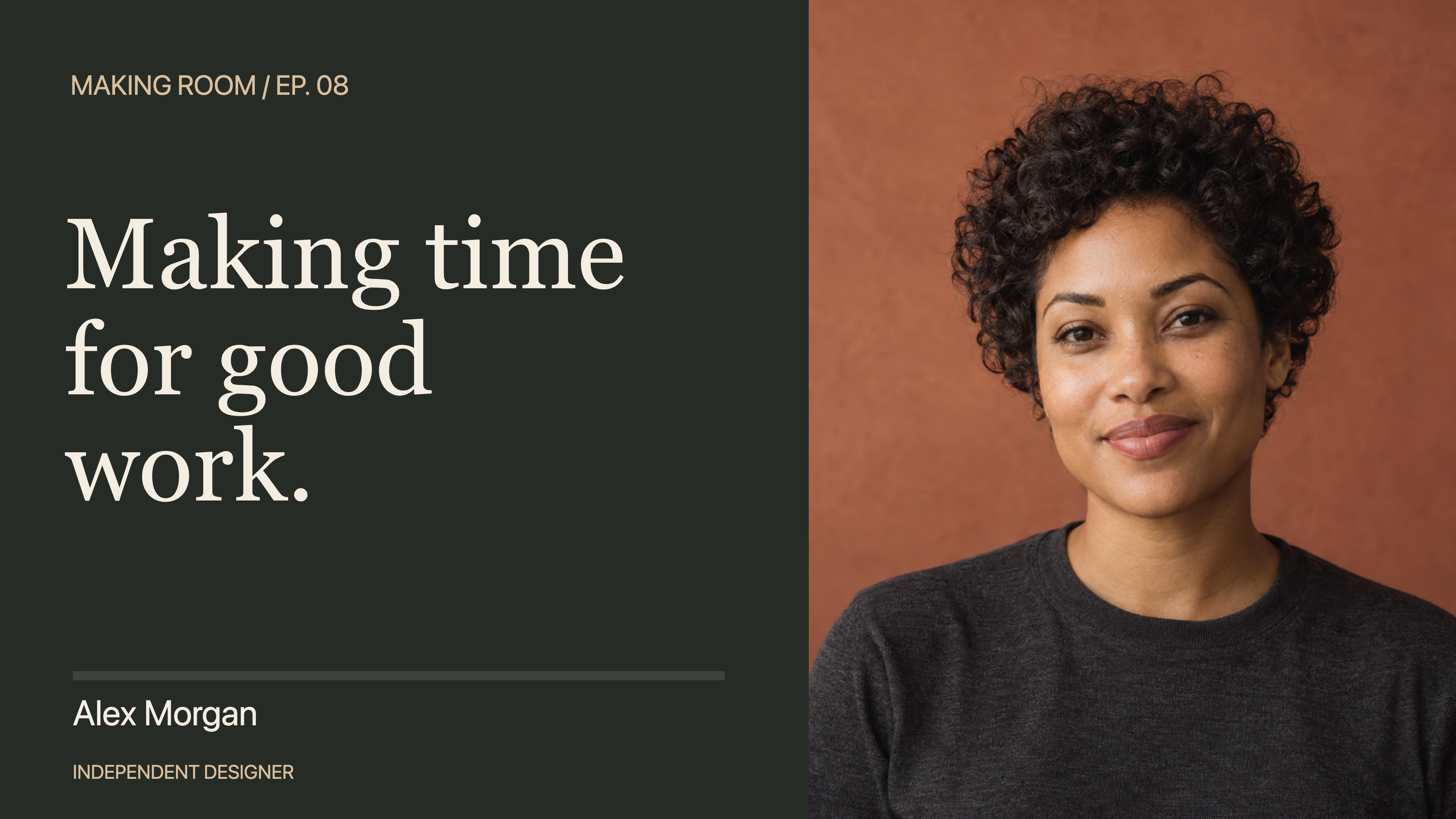
An editorial interview thumbnail with a close portrait, specific episode topic and editable guest identity.
Use this templateDownload editable project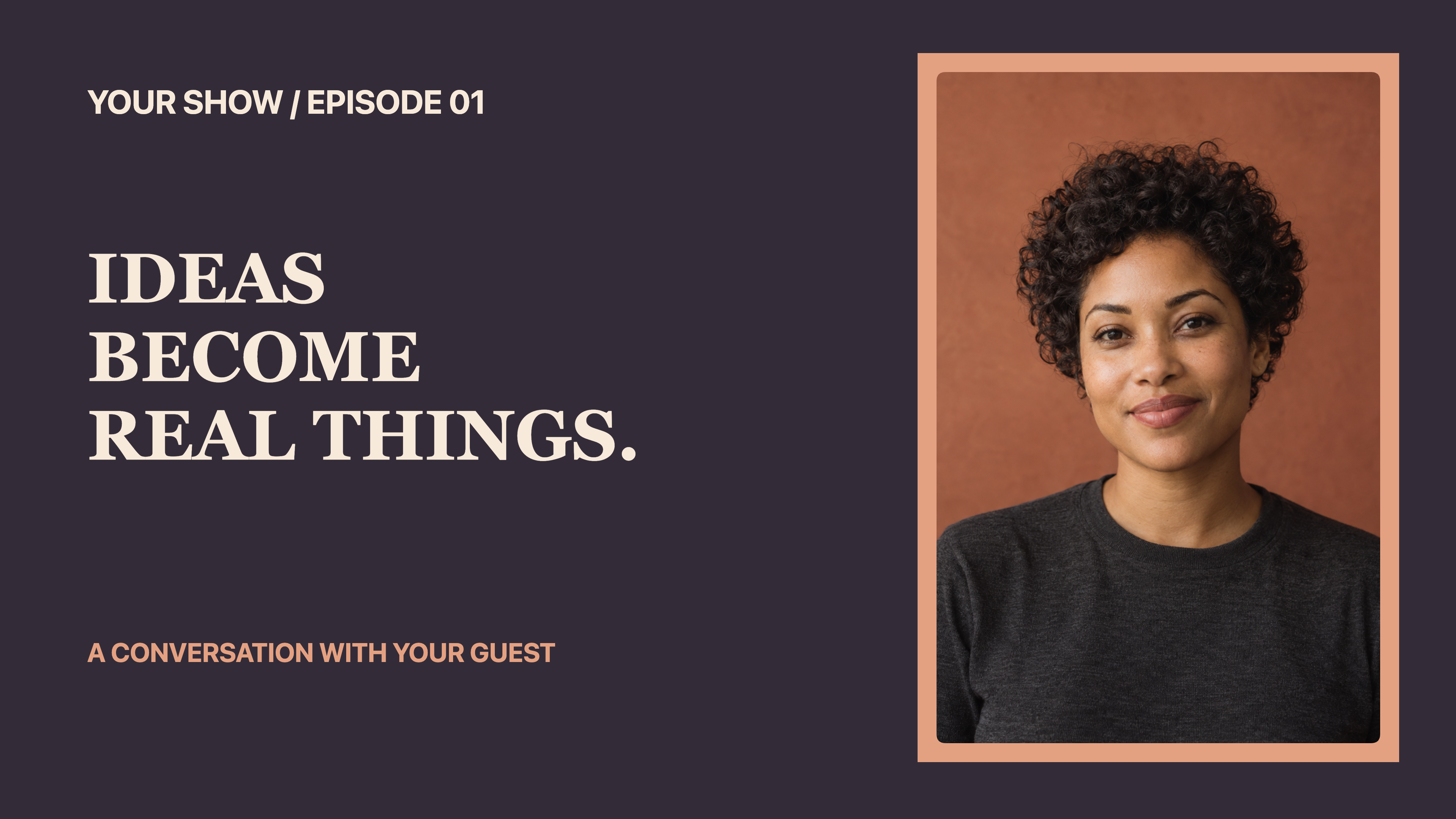
A guest conversation thumbnail with an original AI-generated fictional portrait and editable show, topic and guest text.
Use this templateDownload editable projectYouTube currently recommends 3840 × 2160 thumbnails. These projects use that size. Choose PNG at 1× in Artboar. The 2× option is disabled at this size because it exceeds the editor’s export pixel limit.
Review the exported image at a small size as well as full resolution. Keep the headline concise and avoid placing important detail in the lower right, where a duration badge may appear. YouTube’s upload limits depend on the upload surface; its help page lists 2 MB for video thumbnails uploaded on mobile and 50 MB on desktop. Check your downloaded file’s size and the current upload requirements.
Replace the sample topic, episode number and guest name, initials or photo. Keep the thumbnail consistent with the video. The portfolio browser is made from editable shapes and text. Product and guest photographs are separate image layers: replace them with your own local images and adjust their crops.
All examples use fictional brands, people and details. Replace sample identities and photographs before representing your own business or guest. Photo examples use original AI-generated product and portrait imagery, not real advertisements or guest appearances. Preview images are actual Artboar exports. Artwork is edited locally; loading a bundled template downloads its project file. Local recovery keeps one draft in this browser, when storage is available.